

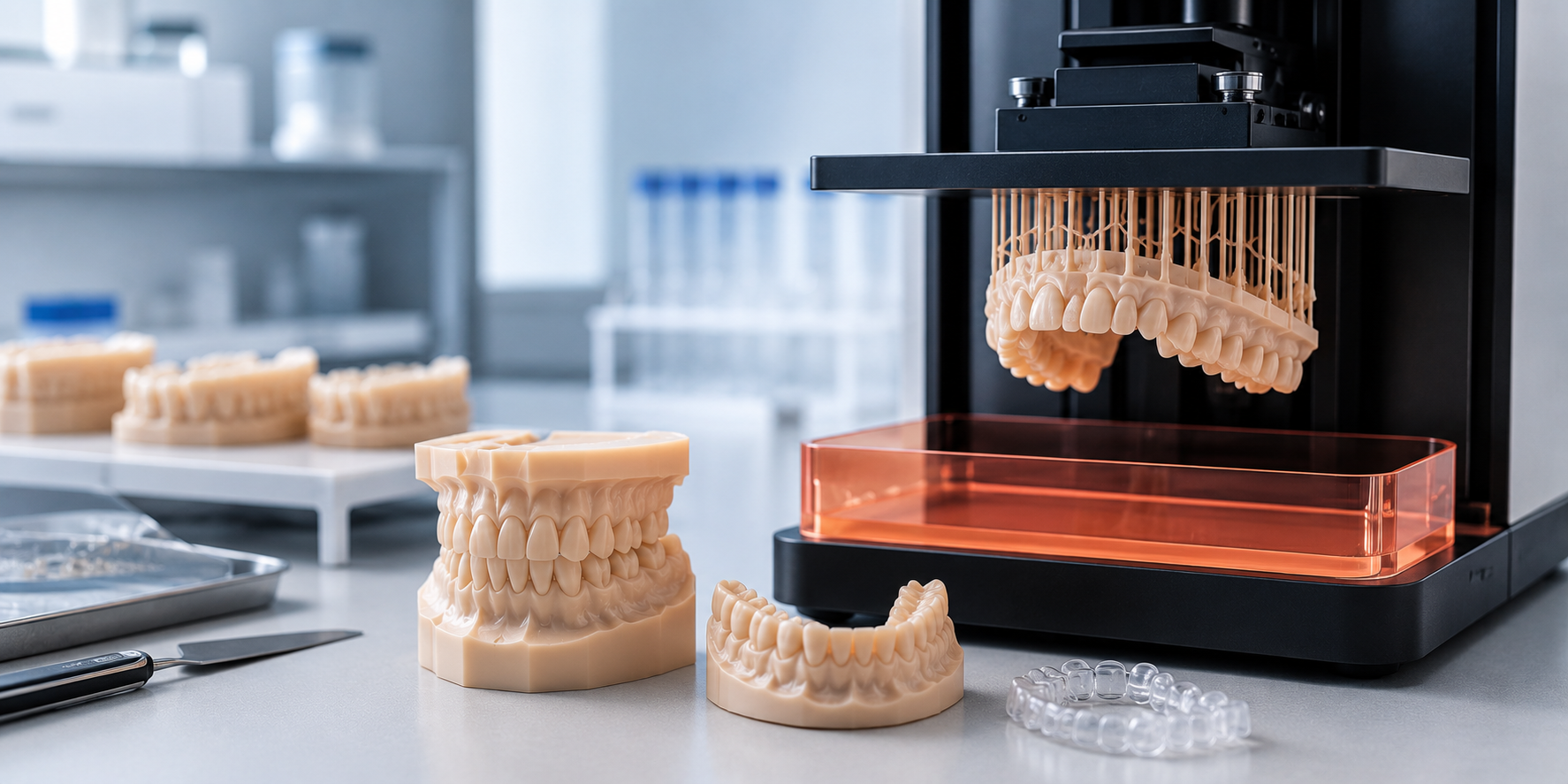
Print failures in dental 3D printing are rarely caused by the printer. Technicians blame layer delamination, surface roughness, dimensional inaccuracy, and color inconsistency on machine settings and spend hours recalibrating exposure times, lift speeds, and layer heights looking for a fix that was never there. In most cases, the actual cause is much simpler: the resin was stored incorrectly, and its material properties changed before it ever reached the vat.
Orthodontic model resin is a precision material. It is engineered to perform within tight tolerances of viscosity, photoinitiator reactivity, and pigment dispersion. Any of those properties can degrade significantly if the resin is exposed to the wrong temperature, light, air, or moisture over time. The printer settings that worked perfectly on the last batch will produce poor results on a new batch stored under different conditions and the difference can be invisible in the bottle. This guide covers every storage variable that affects orthodontic model resin performance, and exactly what your lab needs to do differently to eliminate storage-related print failures.
Why Resin Storage Matters More Than Most Labs Realize
Dental 3D printing resins are photopolymer materials that cure when exposed to specific wavelengths of light, typically 385 nm or 405 nm. The curing reaction is driven by photo initiators: chemical compounds that absorb light energy and trigger crosslinking of the polymer chains. These photo initiators are sensitive. They respond not just to your printer's UV array, but to ambient UV from fluorescent lighting, sunlight through windows, and even heat-driven degradation that accelerates their decomposition before the resin is used.
When photo initiator concentration decreases due to pre-exposure or thermal degradation, the resin requires more light energy to achieve the same degree of cure. A resin that prints perfectly at 2.5 seconds per layer at the start of a bottle may require 3.0 seconds per layer halfway through a batch stored improperly and may produce under cured, dimensionally unstable models regardless of exposure time by the end of a degraded bottle. The model may appear complete on the build plate but fail mechanically during post-processing or lose dimensional accuracy in ways that affect orthodontic fit.
Viscosity is the second critical variable. Orthodontic model printing resin is formulated within a specific viscosity range that determines how the resin flows across the FEP film between layers, how bubbles release, and how consistently each layer coats the previous one. Temperature changes alter viscosity directly resin stored in a cold environment thickens, producing uneven layer coating and increased peel forces that cause delamination. Resin stored in excess heat thins, reducing layer differentiation and causing dimensional blurring at fine detail areas like bracket pads and gingival margins.
The Five Storage Variables That Determine Resin Performance
1. Temperature
Temperature is the single most impactful storage variable for orthodontic model resin. Most dental photopolymer resins specify a storage temperature range of 15–25°C (59–77°F). This range is not conservative marketing language it reflects real material behavior thresholds.
Below 15°C, resin viscosity increases to a point where pigment particles and photoinitiator compounds can separate from the polymer base. This separation is not always visible it may appear as subtle cloudiness rather than obvious settling. When this separated resin is used, photoinitiator distribution is uneven across the vat, producing inconsistent cure depth from one layer to the next and dimensional variation across the build platform.
Above 30°C, thermal degradation of photoinitiators accelerates. The resin consumes its curing capacity at an elevated rate even without light exposure. Labs that store resin near sintering furnaces, on shelving above heating units, or in rooms that reach high temperatures during summer months are routinely working with degraded material by the time they use it often without realizing the storage conditions are the cause of their print inconsistency.
What to do: Store all orthodontic model resin in a temperature-controlled environment between 15–25°C. Never store near furnaces, heating vents, or in direct sunlight. If your lab reaches high temperatures in summer, dedicate a climate-controlled cabinet or small refrigerator (set to 18°C) for resin storage. Allow refrigerated resin to warm to room temperature for at least two hours before use never pour cold resin directly into the vat.
2. Light Exposure
Photopolymer resins begin their curing reaction the moment they are exposed to relevant wavelengths of light which includes not just your printer's UV array but fluorescent lab lighting, LED task lighting, and sunlight through windows. Indirect ambient light at low intensity causes partial, uncontrolled pre-cure that degrades the resin's performance progressively over time.
This degradation is cumulative. A bottle left open on a bench under standard lab lighting for 30 minutes during a workflow pause accumulates more degradation than the same bottle stored correctly in the dark for a month. Labs that keep bottles open during print runs, pour excess resin back into clear storage bottles, or store resin on open shelving near windows are accelerating material degradation in ways that directly affect print quality.
What to do: Store all resin in original opaque bottles or purpose-made UV-blocking amber containers. Keep bottles sealed when not actively in use. During print runs, keep the resin bottle capped between pours. Never store resin in clear containers. For the key ortho model resin specifically, original Keystone packaging is designed for UV protection do not transfer to generic containers.
3. Air and Moisture Exposure
Oxygen inhibits photopolymerization this is a known property of acrylic-based photopolymers. When resin is exposed to air during storage, dissolved oxygen gradually accumulates in the liquid, which increases the light energy threshold needed to initiate curing. The practical result is undercuring at exposure settings that previously produced clean prints, requiring upward adjustment of exposure times that then overcure fine details.
Moisture contamination from humidity causes a different failure mode: hydrolysis of the polymer base that reduces mechanical strength and increases brittleness of cured models. In high-humidity lab environments common in dental labs that run steam autoclaves or have inadequate HVAC resin stored in partially sealed or frequently opened containers absorbs atmospheric moisture over time.
What to do: Seal bottles immediately after each use. For partially used bottles, press out excess air before sealing to minimize the air volume inside the container. In high-humidity environments, consider silica gel desiccant packets in the resin storage area. Never return resin from the vat to the original bottle vat resin has been exposed to light and air and should be treated as a separate, potentially degraded batch.
4. Agitation and Pigment Settling
Orthodontic model resins contain suspended pigments that provide the tooth-like or stone-like color used for model visualization. These pigments settle over time the rate depends on particle size, resin viscosity, and storage temperature. A bottle stored undisturbed for several weeks will have pigment concentrated at the bottom and clear polymer at the top. Pouring from a settled bottle delivers inconsistent pigment distribution into the vat, producing models where color varies across the build platform lighter at the top of the build, darker at the base.
The orthodontic model printing resin formulation from Keystone is engineered for low settling rates, but settling still occurs over extended storage periods and under temperature fluctuation. Agitation before use is not optional it is a required step in any reliable print workflow.
What to do: Invert and gently roll each bottle for a minimum of two minutes before use. Do not shake vigorously vigorous agitation introduces air bubbles that require 30–60 minutes of settling before the resin is usable. For bottles stored longer than two weeks, extend agitation time to three minutes. Inspect the bottle bottom during agitation if pigment deposits remain after two minutes of rolling, the resin has settled significantly and may require extended agitation before the distribution is fully uniform.
5. Shelf Life and Batch Management
All photopolymer resins have a defined shelf life from the manufacturing date typically 12–18 months when stored correctly. Beyond this point, photoinitiator degradation may have progressed to the point where reliable curing cannot be achieved regardless of exposure time adjustment. Labs that purchase large quantities to benefit from volume pricing but consume slowly may routinely be printing with expired resin.
Batch management is equally important. Different production batches of the same resin product may have slightly different photoinitiator concentrations or viscosity specifications due to manufacturing variation. Running a new batch on the exact same settings as the previous batch without a test print can produce unexpected results particularly for thin features like gingival margins and interdental areas.
For labs that also manage zirconia blocks dental and dental zirconia discs inventory alongside resin, the same batch-documentation discipline applies: track batch numbers, note print settings per batch, and test new batches before committing to production runs.
What to do: Label every bottle with the date received and date opened. Apply a strict FIFO (first in, first out) inventory rotation never open a new bottle while a previous bottle of the same product remains in stock. For high-volume labs, maintain a simple resin log that records batch number, received date, opened date, and print settings used. When switching to a new batch, run a calibration print before production.
Indirect Bonding Tray Resins: Same Rules, Higher Stakes
Labs producing indirect bonding trays alongside orthodontic models work with a closely related but distinct resin category. The key ortho ibt resin is formulated specifically for indirect bonding tray applications flexible enough to remove cleanly after bracket bonding while dimensionally accurate enough to transfer bracket positions precisely.
Storage failures in IBT resin have higher clinical consequences than in model resin. A dimensionally unstable model is a visualization tool a poorly stored IBT resin that produces bracket positioning errors translates directly into bracket placement errors on the patient. All storage protocols above apply equally to IBT resins, with one additional consideration: IBT resins are typically used in smaller volumes and less frequently than model resins, increasing the risk of exceeding shelf life or printing from settled, temperature-stressed material.
Dedicate separate labeled storage for IBT resin, maintain its own batch log, and apply the same agitation protocol before every use regardless of how recently the bottle was last used.
Resin Storage and Your Broader Lab Material Discipline
Consistent print quality in dental 3D printing is not achieved by optimizing the printer in isolation it is achieved by treating every material input as a variable that must be controlled. The same discipline that produces consistent results with dental 3d resin applies across every material category in a modern dental lab.
Labs that have invested in understanding material variables at this level understanding why zirconia blank and zirconia dental blanks from reliable sources outperform generic alternatives in milling consistency, why batch documentation matters for dental zirconia discs, and why sourcing from a consistent zirconia materials distributor USA reduces variability across the production workflow apply the same thinking to resin storage naturally. Material quality control is not department-specific. It is a lab-wide standard.
If you are also evaluating your milling material supply, our guide on the difference between 3Y, 4Y, and 5Y zirconia covers the same principle applied to zirconia disc selection understanding what differentiates materials at the formulation level is the foundation of every correct procurement decision.
Practical Storage Checklist for Orthodontic Model Resin
Use this checklist at your lab as a standard operating procedure for resin storage and handling:
Storage conditions
- Temperature maintained between 15–25°C at all times
- No storage near sintering furnaces, heating vents, or windows
- UV-blocking opaque containers used for all resin storage
- Bottles sealed immediately after each use
- Humidity controlled or desiccant used in storage area
Inventory management
- All bottles labeled with received date and opened date
- FIFO rotation enforced — oldest stock used first
- Batch numbers logged with corresponding print settings
- Shelf life verified before opening new bottles
- Expired or suspect resin disposed of, not used in production
Pre-use protocol
- Bottle rolled gently for 2–3 minutes before each use
- No vigorous shaking — air bubbles allowed to settle before pouring
- Cold resin warmed to room temperature before use
- Vat resin never returned to original bottle
- Calibration print run when switching to new batch
Print failures attributed to printer settings are often caused by resin storage. Temperature fluctuation, light exposure, air contact, and pigment settling are all controllable variables and controlling them consistently is what separates labs that hit their first-print success rate targets from labs that spend production time diagnosing failures that should not have occurred.
The investment in correct storage is minimal: a temperature-stable cabinet, consistent bottle sealing, a simple batch log, and two minutes of agitation before each print run. The return on that investment is consistent model quality, reliable dimensional accuracy, and the confidence that the print failures you do encounter are equipment or settings issues not material issues that have already been eliminated from the equation. For zirconia blocks and broader dental lab materials procurement guidance, see our guide to materials and strengths of zirconia dental restorations for the same level of material-first thinking applied to your milling workflow.


